Self-Hosting a Crazy Block Game...
It may seem strange that I would consider it homelabbing…
but few friends of mine once again got bit by the bug to play some Minecraft together. Usually we bite the collective bullet and just pay a hosting service; but I’ve always wanted to host my own, dedicated, server on a machine that I don’t use for other things. So I dug an old tower out of the closet (a full tower at that) and put Ubuntu server on it. Having heard of (and even used, somewhat) the power of containerization, I decided this was the perfect time to hone some marketable skills.
I got myself a robust Minecraft container that downloads any version of the game you specify and got something stood up at blinding speeds. What’s more, I installed podman-compose to make use of Configuration as Code principles: all of the definitions required to reproduce what I had step up were saved in a human-readable YAML file. This makes it dirt easy to create a second, separate Minecraft server at any point by just copying the compose.yaml into a new directory and changing a few parameters. I can also manage the server from other devices like my phone (without needing SSH) by using Cockpit with the Podman plugin.
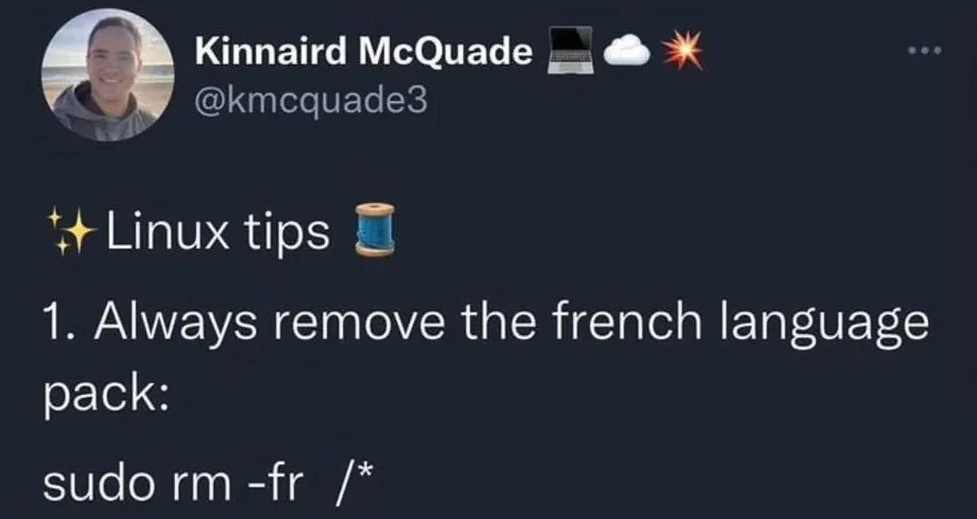
Containers also have the benefit of being, generally, more secure than hosting a service. Even if someone manages to use the server to access my local filesystem, all they’ll have access to is the files within the container. As aforementioned, I can always just remake the container using the composefile, so no harm done! I also ran my container rootlessly- using only my user account rather than sudo for root access- which limits the permissions of the underlying container. If someone managed to manipulate the actual host server from inside the container, the best they get it my user permissions! No removing the French Language pack for malignants!
With a little bit of extra work setting up ports and a firewall, and my friends had a dedicated server that they could connect to whenever. I was unaware when I started, but this was just a first step in a series of homelab projects. Surely there was much more I could do with this dedicated machine…?